Library & Reading Resources
A little curiosity.
A whole lot of imagination!
Your next adventure starts here.
Read • Imagine • Explore
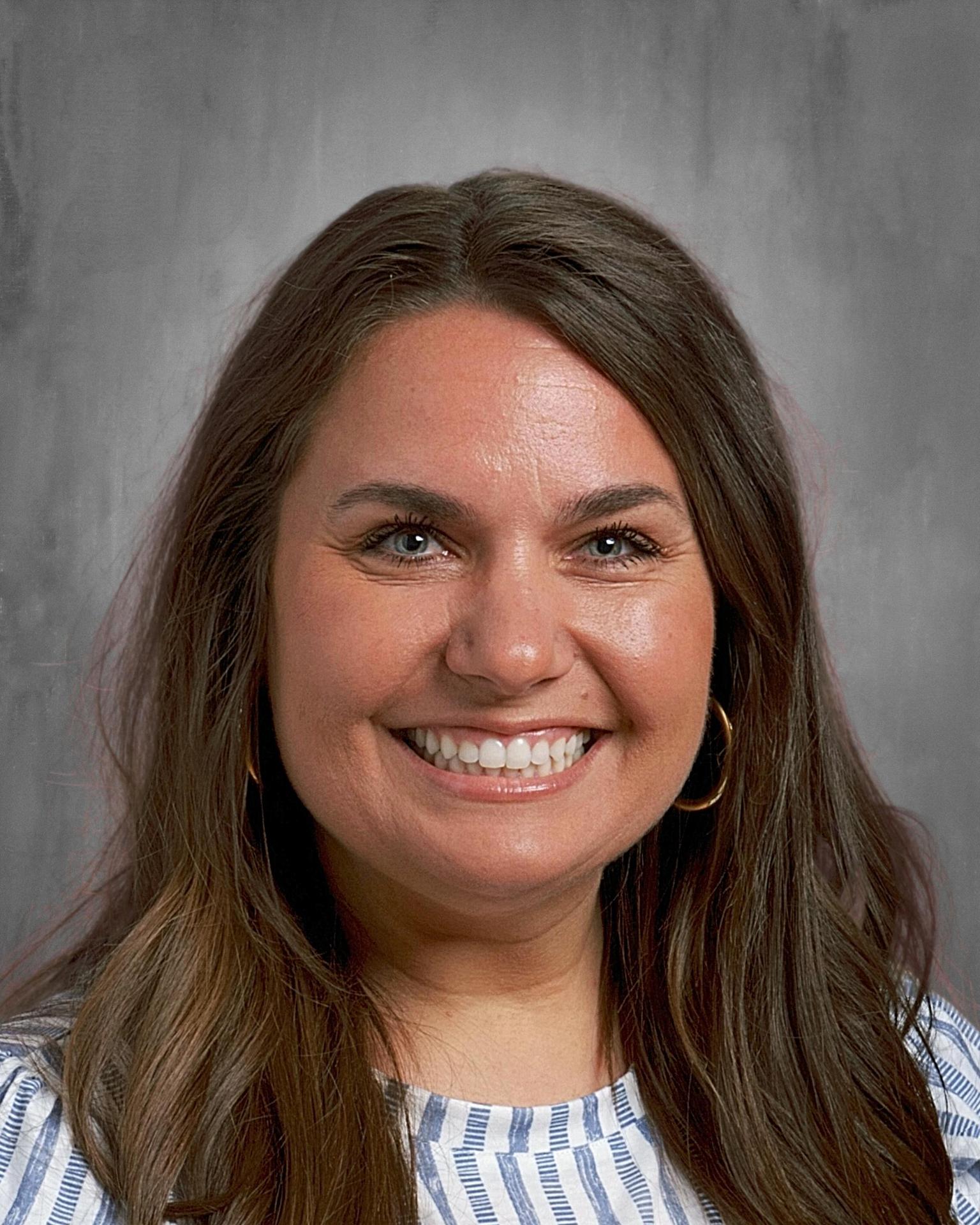
Meet the Heart Behind Our Library!
Ashley Bianchini
School Librarian
With her creativity and love of reading, Ashley helps make the Van Allen Library a welcoming place to learn and explore. She’s passionate about helping students discover books they love and creating a space where every child feels comfortable and included.
Get to know Ashley and explore more of the fun happening in our library by visiting her website below!
Funny stories, amazing facts and faraway places are waiting to be discovered! Our library is a place for students to explore what they love, try something new and find their next favorite book. Let’s keep our Vikings reading and growing all year long!
Read. Quiz. Celebrate!
Our Accelerated Reader (AR) program gives students a chance to build their reading skills and celebrate their progress. Students read books within their independent reading level and take AR quizzes on their Chromebooks during school hours to earn points. As points add up throughout the school year, students can earn incentives and awards for their reading efforts.
Scan a Book. Find Its AR Info!
The Points Scan app lets you scan a book’s barcode to look up its AR reading level, points and quiz number.
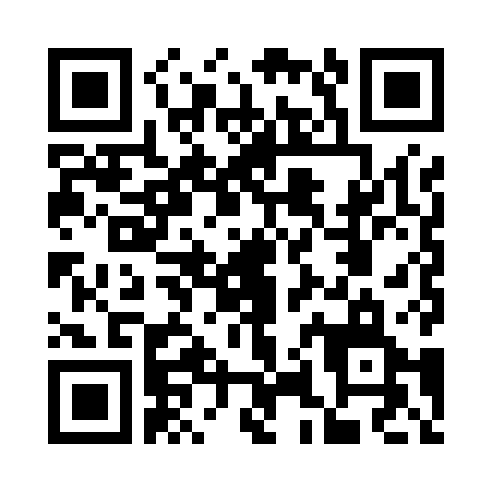
Scan this QR code to find the app for iPhone and iPad.
View Points Scan in the App Store
On your phone? Tap the button above.
Find your next great read!
Look up books with AR Bookfinder or visit our library website for more reading resources.
Español
¡Un poco de curiosidad.
Mucha imaginación!
Tu próxima aventura empieza aquí.
Lee • Imagina • Explora
¡Conoce a quien da vida a la biblioteca!
Ashley Bianchini
Bibliotecaria escolar
Ashley usa su creatividad y su amor por la lectura para crear un lugar acogedor. Ayuda a los niños a encontrar libros que les gusten. Quiere que cada niño se sienta cómodo e incluido.
¡Visita su página para conocer a Ashley y ver más de lo que pasa en la biblioteca!
¡Hay cuentos divertidos, datos asombrosos y lugares lejanos por descubrir! En la biblioteca, los alumnos exploran lo que les gusta. Prueban algo nuevo y encuentran su próximo libro favorito. ¡Sigamos leyendo y creciendo todo el año!
¡Lee, responde y celebra!
El programa Accelerated Reader (AR) ayuda a los alumnos a mejorar su lectura y celebrar su progreso. Leen libros de su nivel de lectura independiente. Luego hacen pruebas de AR en sus Chromebooks durante el horario escolar para ganar puntos. A lo largo del año, pueden ganar premios por su esfuerzo al leer.
¡Escanea un libro y consulta sus datos de AR!
La app Points Scan permite escanear el código de barras de un libro. Puedes ver su nivel de lectura de AR, sus puntos y el número de la prueba.
Escanea este código QR para ver la app para iPhone y iPad.
Ver Points Scan en el App Store
¿Estás en tu teléfono? Toca el botón de arriba.
¡Encuentra tu próximo libro!
Busca libros en AR Bookfinder. Visita nuestra página de la biblioteca para ver más recursos de lectura.
Buscar en AR Bookfinder Página de la biblioteca
Los enlaces abren otra pestaña. Algunas páginas pueden estar en inglés.